
How oc8 works: AI agents across every system, under your rules
On this page
- Most companies already use AI tools, but few manage them centrally. The question is no longer whether AI arrives, but who sets the rules.
- The market offers two answers: AI from your software vendor, or AI instead of business software. The first leaves control with the vendor. The second can't apply business rules reliably.
- oc8 adds a layer on top of the systems you already run. AI agents work there in departments, with the model you choose, clear permissions and human approvals.
- Ready-made agents, workflows and connectors come from the Capa Store. oc8 is open source and runs in the cloud, self-hosted or air-gapped.
Where AI stands in most companies today
Sales uses one tool, marketing another, IT is testing a third, and some employees use personal accounts on public chat services. A 2025 Bitkom survey found that four in ten companies in Germany assume their employees use personal AI tools for work. Only about one in four provides official access.
None of these tools talk to each other. Nobody knows exactly what they cost in total or what data leaves the company along the way. There's usually no central sign-off either, because each purchase was small and only affected one department.
So the question is no longer whether your company uses AI. It's whether you manage that use centrally, with consistent rules, permissions and cost control.
Two approaches on the market, and where they fall short
Approach 1: AI from your software vendor
The major business software vendors are building AI agents into their products. These agents can now reach other systems too, usually through open interfaces such as the Model Context Protocol. Inside each product, that works well. For your company as a whole, three problems remain.
Every vendor wants to be the hub. Next to the ERP, most companies run a CRM, Microsoft 365 or Google Workspace, a ticketing system and accounting software. Almost every one of these vendors now offers its own agent platform, and each wants to be the place where work across all systems happens. You end up with several of these platforms, each with its own permissions, approval rules and logging. A single end-to-end process, say from closed deal to invoice, then gets split across several vendors.
The vendor sets the terms. Which third-party systems you can connect, which language models you can choose from and who gets outside access to the data are all up to each vendor. Some are expanding their model options, others are deliberately restricting outside AI agents from using their APIs. Either can change with the next release or contract renewal.
Costs are hard to compare. Every vendor bills differently: per user per month, per conversation, per action or through prepaid credits. Several contracts like that side by side don't add up to a clear picture of what AI actually does for your company and what it costs.
Approach 2: AI instead of business software
The idea behind this approach: business software is essentially databases plus business logic. The data stays in databases, and a language model takes over the logic. You describe what should happen, and the model carries it out at runtime. Line-of-business applications like ERP or CRM become unnecessary. For simple, new workflows, this can genuinely be faster than any software project. For your core business, three things argue against it.
Rules are no longer executed, they're reinterpreted every time. A language model gives a plausible answer, but not necessarily the same one on every run. Even with identical input, the output is not technically guaranteed to be reproducible. That's fine for a first draft of a text. It's not acceptable for a customer price, a tax rate or an inventory posting. There, the same input must always lead to the same, verifiable result.
The rules aren't fully written down anywhere. Mature business software holds years of edge cases: tax rates and exemptions, partial deliveries, down payments, credit notes, currencies, country-specific invoice formats. On top of that come legal requirements: books and invoices have to be stored unaltered and readable for years. And the requirements keep changing. E-invoicing, for example, is becoming mandatory country by country, each with its own format and deadline. With packaged software, changes like these arrive as an update. If you hand the logic to a model, you first have to describe all of it, then keep it current yourself.
The responsibility is yours. If you move the business logic into a model yourself, there's no vendor keeping up with new regulations and no community of other users catching bugs. The knowledge sits with a handful of people. If they leave, it leaves with them.
The three approaches compared
| AI from your software vendor | AI instead of business software | oc8 | |
|---|---|---|---|
| Where the AI runs | On each vendor's own platform | In place of your business applications | Above all your systems, independent of any vendor |
| What data it sees | Its own product's data, plus other systems only through the connections the vendor allows | Whatever data you give it access to | Data from every connected system |
| Who picks the model | The vendor, from its own lineup | You | You, per agent |
| What locks you in | The vendor: its platform, its model lineup, its rules | Your own build, which you have to maintain for good | Nothing. The code is open, and you can run it yourself |
Each approach solves only part of the problem. AI from your software vendor runs on reliable systems, but control stays with the vendor, and with several vendors it's spread across several places. AI without business software gives you full freedom, but no reliable way to apply your business rules. oc8 combines the strengths of both: your existing systems remain the reliable source of truth, and control over AI sits in one place that you own.
How oc8 is built
oc8 doesn't replace any of your software. It runs as an additional layer on top of your systems. AI agents work in that layer and reach every connected system from there. No migration, no replacement. Setup takes three steps.
1. Connect the systems you already have
ERP, CRM, Microsoft 365 or Google Workspace, ticketing, accounting and file storage connect to oc8 through a standard interface (Model Context Protocol). The systems themselves don't change: data, business rules and user management stay exactly where they are.
That's by design. Your systems hold the data everyone relies on, such as prices, terms, inventory and customer records, plus years of process knowledge built into them. That's exactly what a language model lacks on its own. oc8 builds on these systems instead of replacing them.
Each connection is set up once. Every agent you add later uses the same connection.
2. Choose your AI models
You decide which language model to use, not a software vendor. Options include major providers like Anthropic and OpenAI, many more models through OpenRouter, including European ones, or models running in your own data center through Ollama, so your data never leaves the company. You can run several models side by side.
This is mostly about cost: an inexpensive model for routine work, a more powerful one for complex analysis, a local model wherever data protection or confidentiality requires it. You set the model per agent and can switch it later without rebuilding the agent.
3. Set up departments and agents
oc8 mirrors your organization. You create departments, such as sales, accounting, support or IT, and set up AI agents in each one to handle recurring work.
An agent doesn't just answer questions, it gets work done. It has a clearly defined task, access to specific systems and firm limits. Within those limits it carries out the steps on its own and stops wherever you require an approval.
Setting up an agent works much like onboarding a new hire:
- Name, role and department
- Instructions in plain language, the way you'd brief a new colleague, in any language and with no coding required
- Permissions: which systems it can access
- Model: which AI model it uses
- Trigger: manually, on a schedule or when something happens in another system
While an agent works, you see every step in real time, not just a summary afterward.
The Copilot: your way into oc8, by chat
The Copilot is always available as a chat window in the interface, much like an AI assistant in your browser. It knows your agents, departments and guardrails. Instead of clicking through menus, you tell it what you want to know or set up:
- Ask questions: what an agent is doing right now, why a task is stuck, which rules apply to a department
- Have it set things up: describe departments, agents and rules in your own words. The Copilot drafts a complete proposal that you review, adjust and accept.
- See what's open: what's waiting for your approval or reply, and which tasks are still open
- Have it keep an eye on things: watch a process or a metric and let you know when something needs attention
The Capa Store: ready-made building blocks instead of custom builds
You don't have to start from scratch. In the Capa Store, the marketplace built into the oc8 platform, you'll find ready-made building blocks you can install in a few clicks:
- Ready-made AI agents for common use cases, such as checking incoming invoices, triaging support requests, following up on open quotes or onboarding new employees
- Prebuilt workflows that link several agents and departments into a fixed process
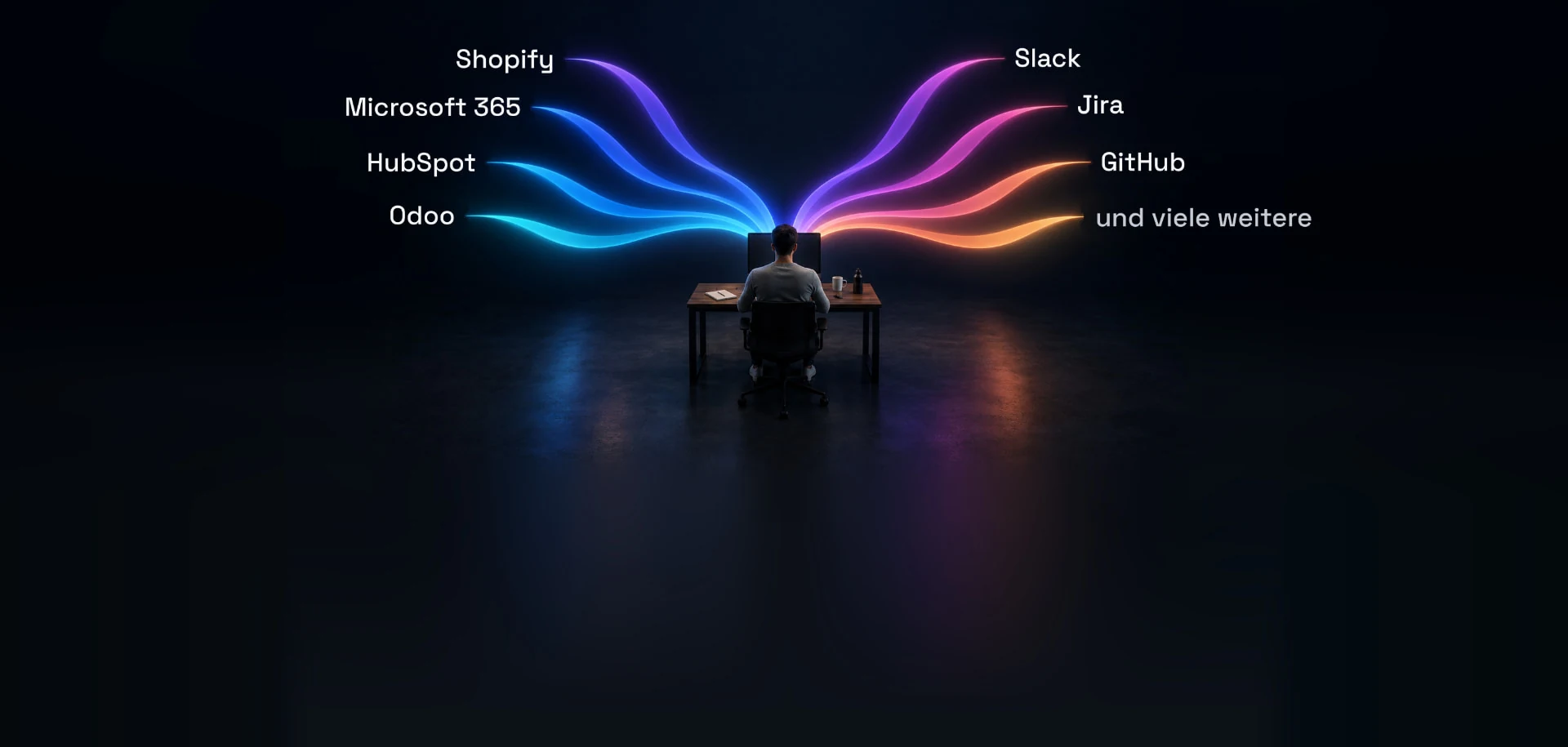
- Connectors to widely used systems, such as Odoo for ERP, HubSpot for CRM, Microsoft 365, Google Workspace or Jira. In principle, any system with an MCP interface can be connected. Where there isn't one, a connector gets built.
That way you assemble what your company needs from ready-made parts and adapt it from there. You can also build your own Capas. Partners and software vendors publish their own solutions in the store too, making them available to every oc8 user. For an overview, see the ecosystem.
Work that spans departments
Many processes involve more than one department. oc8 has two building blocks for that. A Handoff is a single transfer: one department finishes its part and passes the work to another, with clear rules on who can accept it and what has to be true first. Where the work came from stays traceable. A Flow describes the whole process across several stages, say support, then finance, then back to support. You design it once and run it for every new case, and its stages are usually handoffs. In short, a Flow answers "What does the whole process look like?" and a Handoff answers "Is this one transfer OK right now?" Any stage can require a human approval.
How you stay in control
Permissions. Each agent gets only the access its task requires. Every call to a connected system goes through one central point where your rules are enforced. Credentials are stored encrypted, and agents never see them. An agent can only access company knowledge that has been shared with its department. With guardrails, you define what an agent must never do, again in plain language.
Approvals. Where a person should decide, you write the rule as a plain sentence, for example: *"Quotes over €5,000 go to the head of sales for approval before they're sent."* The agent then pauses, and the person responsible sees what it plans to do and why. They can ask follow-up questions, then approve or reject. Because the rules are in plain language, business teams and data protection officers can set and review them themselves, with no development work.
Roles. People get access to individual departments, either with approval rights or read-only. All open approvals and questions land in one shared task list. That way you see in one place which agent is working on what, instead of checking each system separately.
Data isolation. Where data has to stay strictly separated, each run executes in its own isolated container.
Audit trail. The audit trail records across all systems what happened and who approved what, in one central place and exportable. That lets you answer questions from auditors, data protection officers, works councils or customers.
EU AI Act. For AI applications the EU AI Act classifies as high-risk, it requires human oversight, automatic logging and documentation. After the delay introduced by the Digital Omnibus, these obligations apply from December 2, 2027. Most everyday agents don't fall into that category. Auditors, data protection officers and works councils still expect traceability.
Costs. oc8 shows, per agent and per department, which runs took place and what they cost. That's actual usage, not a per-user license fee. You can also set budgets per agent and per department. That keeps AI spending predictable instead of quietly spreading across dozens of tools.
The agents do the work. People still make the decisions.
Deployment, licensing and getting started
oc8 runs as SaaS in the cloud, self-hosted on your own infrastructure, or air-gapped, meaning local models with no outside connection at all. oc8 is open source under the LGPL v3. Anyone can see how the platform works and what happens to their data.
There's a practical reason for that. AI is shifting from standalone apps to infrastructure, and the platform that runs agents across the whole company is becoming as fundamental as the ERP is today. Software that only stores data can be replaced with a migration project. Software that holds your business processes and decisions has to be rebuilt if you switch. So this platform should be transparent, something you can run yourself, and something you can leave at any time. We explain why we built oc8 open from day one in Why we built oc8, and why it is open.
oc8 is an initiative of the BOP Alliance, a network of more than 70 IT service providers in over 50 countries who have been implementing business software for years. These partners handle rollouts locally for their customers. For CEO Tobias Hammeke's view on the role of AI agents in business, read the interview from Handelsblatt's "Future of AI" special.
Getting started is easy: begin with one process and build from there. The product page shows the platform as a whole. If you want to try oc8 yourself, start with the quickstart in the docs.

Questions, or want to see oc8 live?
Get in touch, or book an online appointment — we'll walk you through the platform and explore your use cases.
Keep reading
From Siloed Solutions to a Connected AI-First Business
The number of AI tools is growing rapidly, and so is their importance for companies, from innovative startups to global corporations. Almost all major software vendors are building AI assistants into their products. That increases efficiency within each individual system, but it creates new data silos.
Why we built oc8, and why it is open
AI can do real work now, but it lands inside one system at a time. Here is what oc8 is, where it came from, and why the core is open.
